OpenAI Trigger · emploidai Marketplace
emploidai Marketplace
Add-onsAppletsPlugins
Search tools, teams, and capabilitiesPublish
MarketplacePluginsOpenAI Trigger
Plugin
Limited listing

OpenAI Trigger

by bowenliang123 · v0.2.0

OpenAI Webhook Trigger for Dify, receiving real-time notifications about events in the API of batch, response, evaluation, fine-tuning and etc.

760 installsUpdated Dec 8, 2025
Documentation
Publisher information is incomplete

This community listing does not yet include every recommended support, privacy, pricing, and permission disclosure. Review the available package permissions before installing.

Capabilities

Data sources

Available inside your emploidai workspace after installation.

Triggers

Available inside your emploidai workspace after installation.
Category

trigger

Version

0.2.0bowenliang123

Requirements

Maximum memory 256MB

Pricing

Not disclosed by publisher

Security & access

Review before installing

CompatibleRequires emploidai 1.10.0+

Permissions

No permissions were declared by the publisher.

Dependencies

No additional dependencies

Resources

DocumentationPrivacy policy
emploidai Marketplace

Discover capabilities. Review access. Install inside your workspace.

DocumentationSecuritySupportPrivacyTerms

OpenAI Trigger

Author: bowenliang123

Github Repository: https://github.com/bowenliang123/dify-openai-trigger

Dify Marketplace: https://marketplace.dify.ai/plugins/bowenliang123/openai_trigger

OpenAI Trigger Plugin User Guide

What This Plugin Does

The OpenAI Trigger plugin connects your Dify workflows with OpenAI Webhook events. When something happens in your OpenAI workspace, like receiving an update for batch, evaluation , this trigger plugin automatically starts your Dify workflows to respond to these events.

Get Started

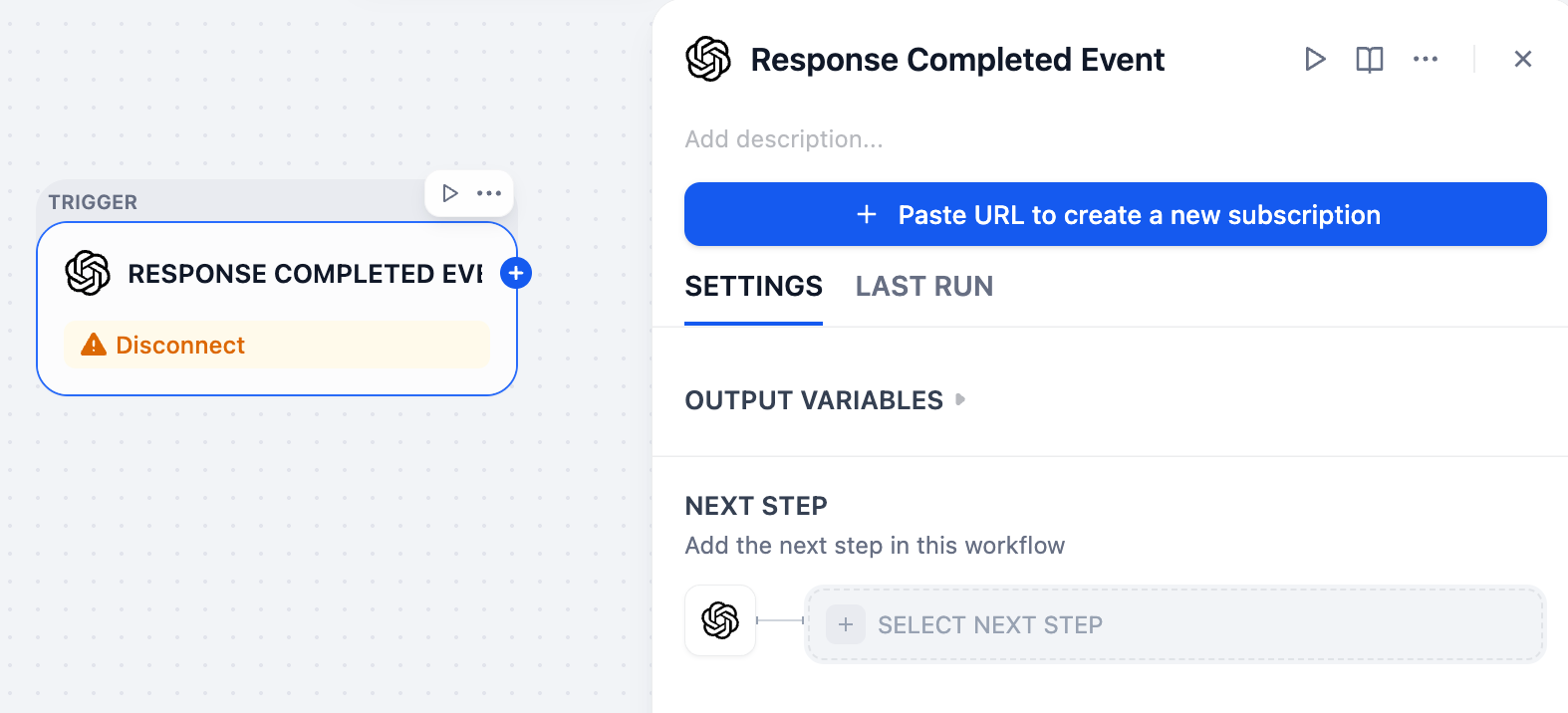
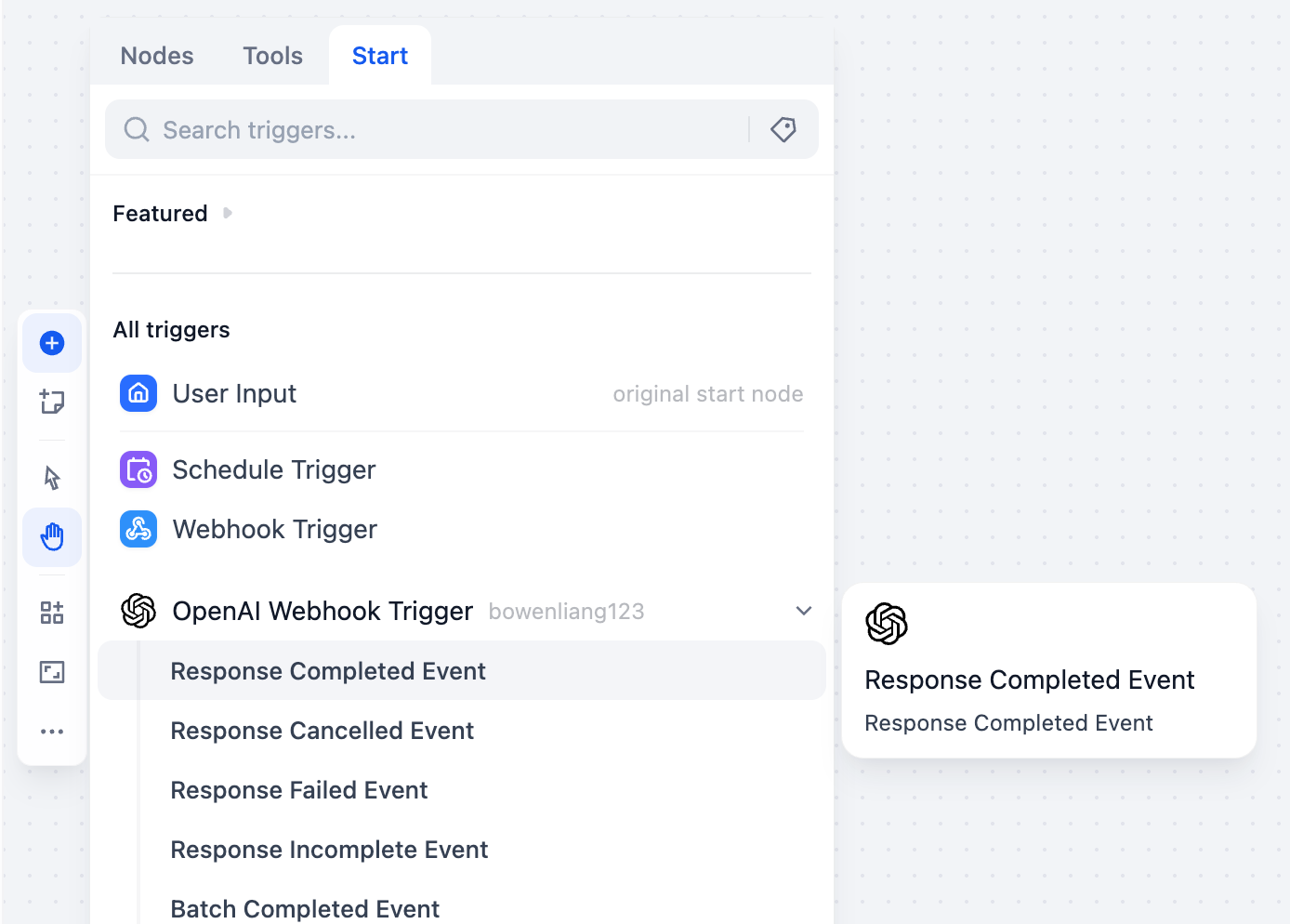
Step 1: Create an OpenAI Webhook Trigger in Dify's workflow

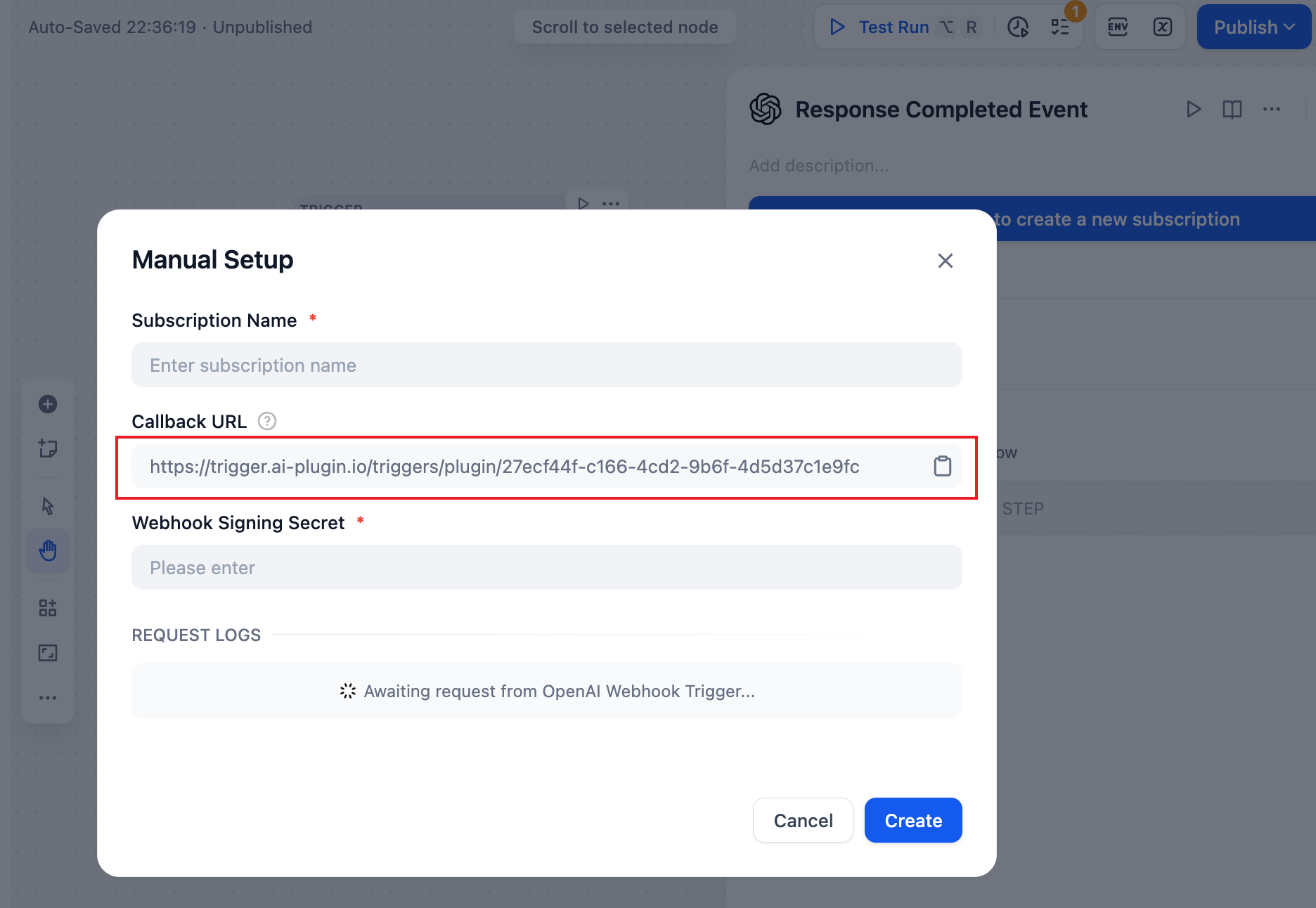
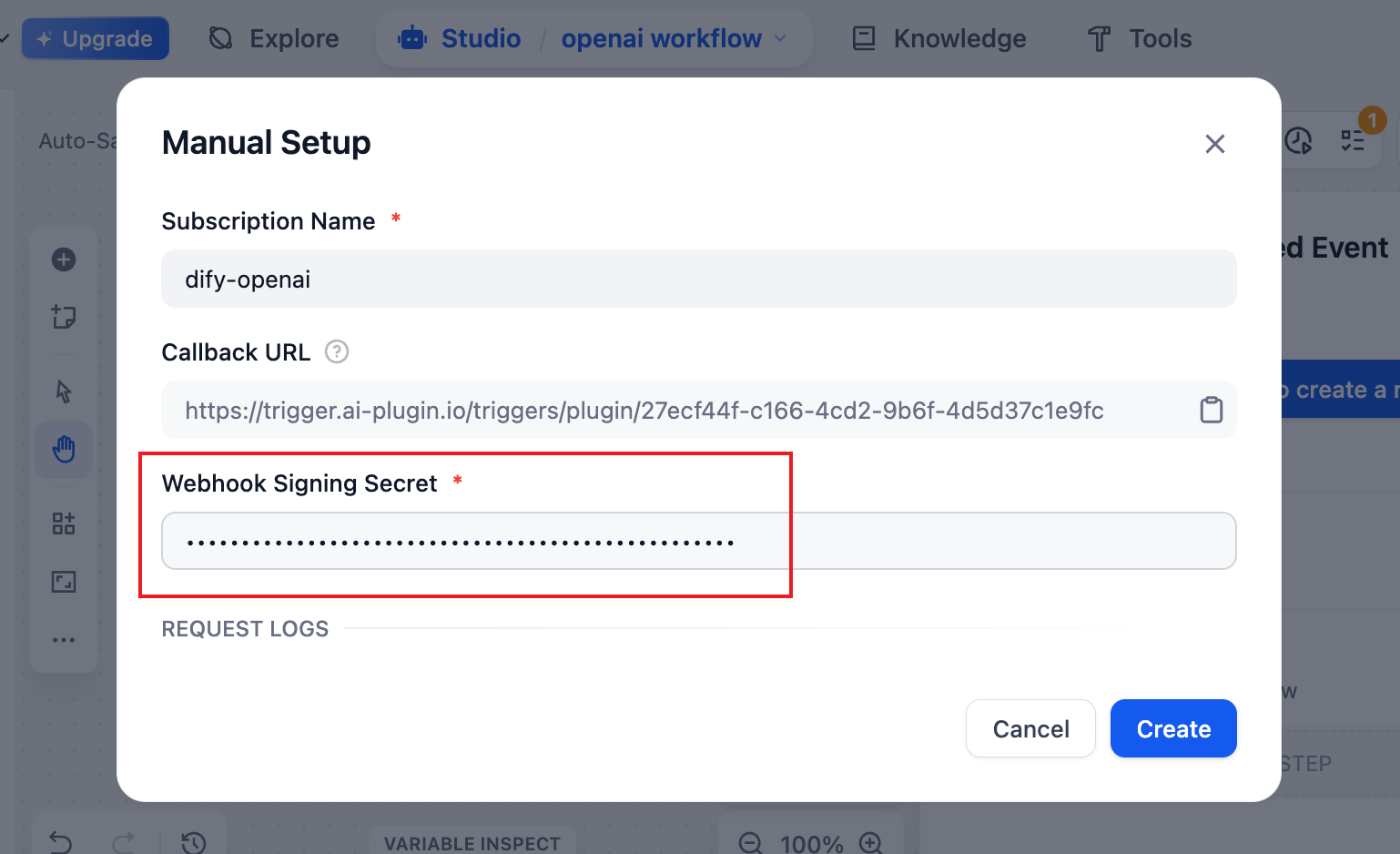
Step 2: Create an subscription URL

Step 3: Copy the callback URL

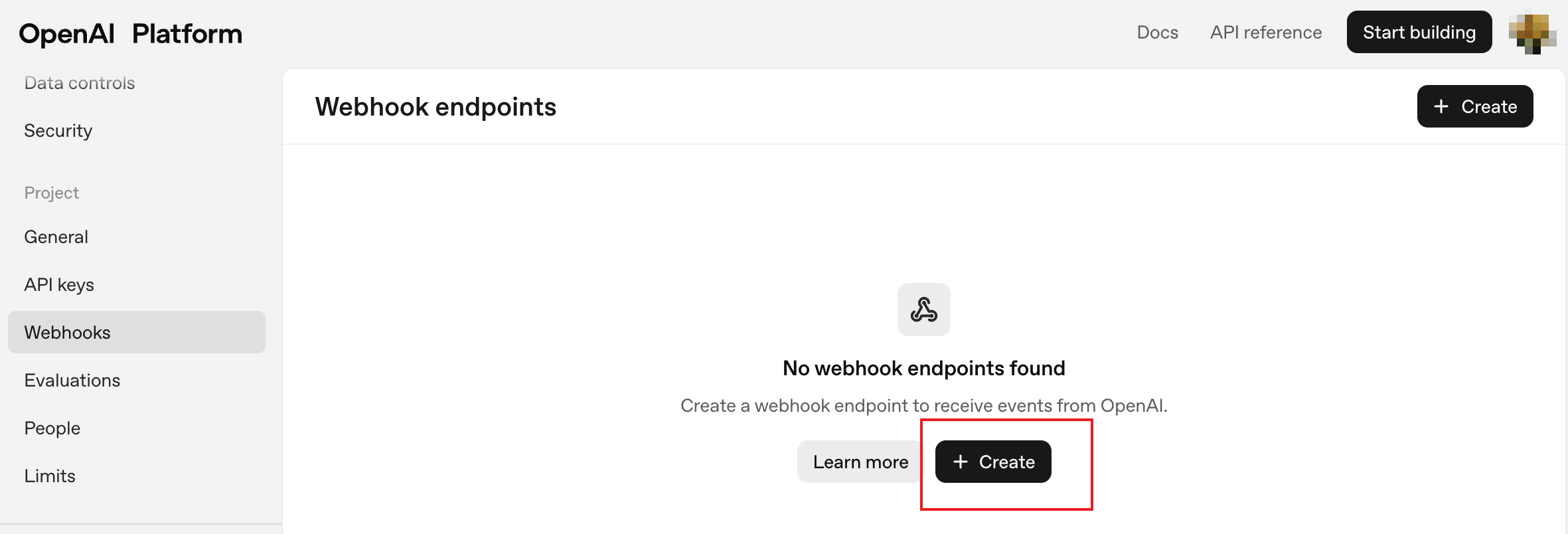
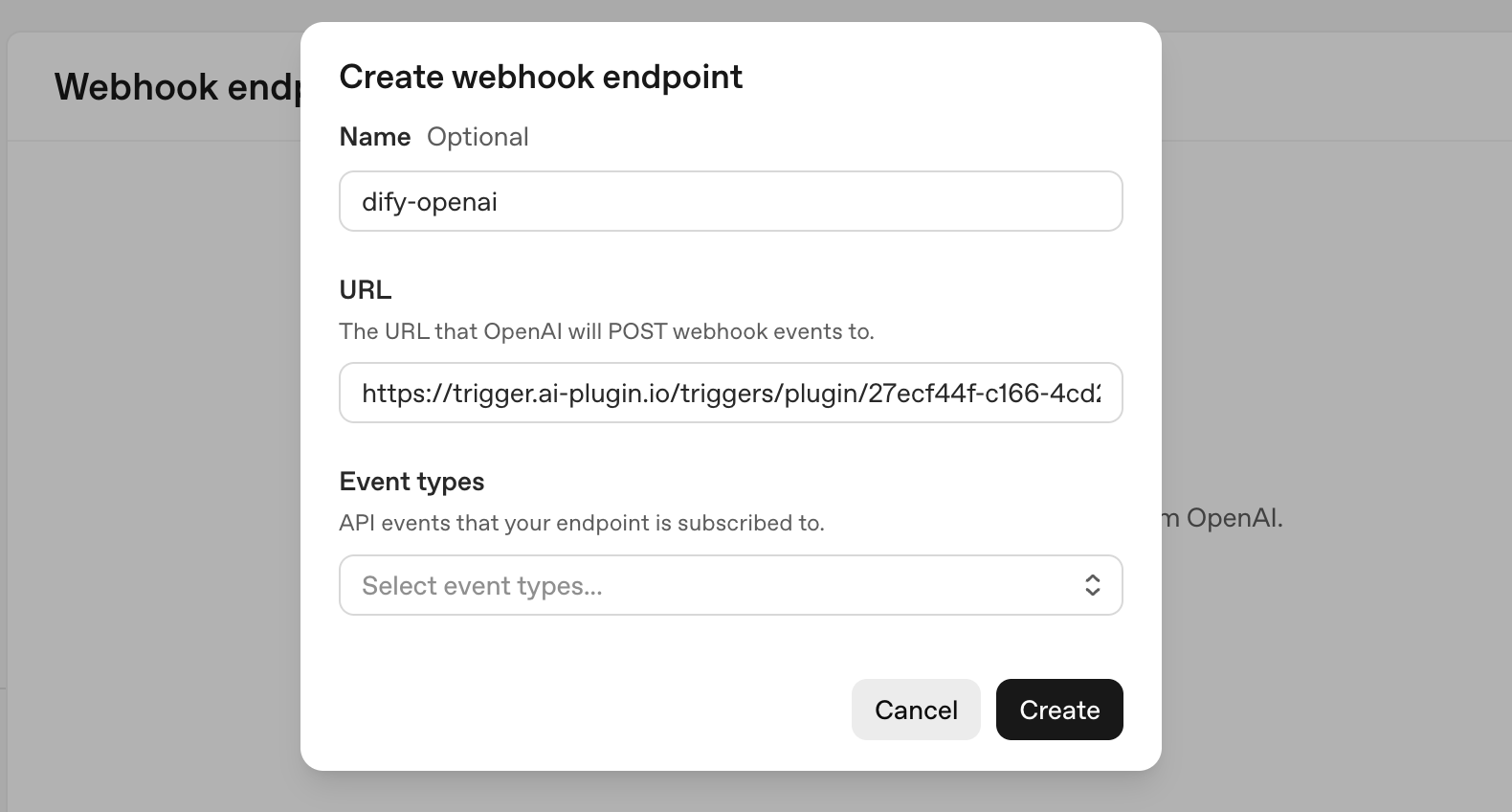
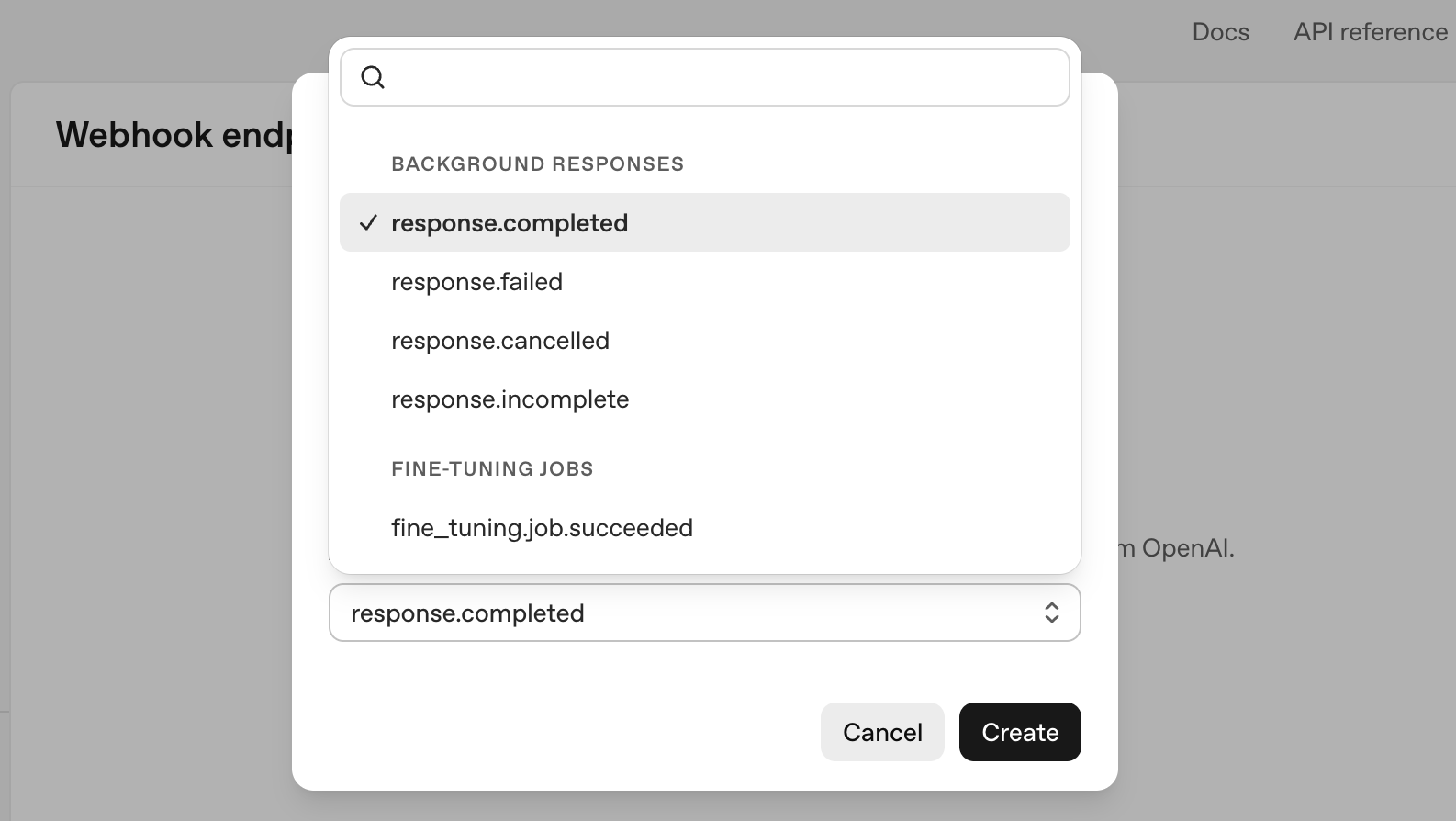
Step 4: Create a Webhook endpoints in OpenAI platform settings

OpenAI platform settings: https://platform.openai.com/settings

  1. fill the URL copied from Dify workflow
  2. select subscription events

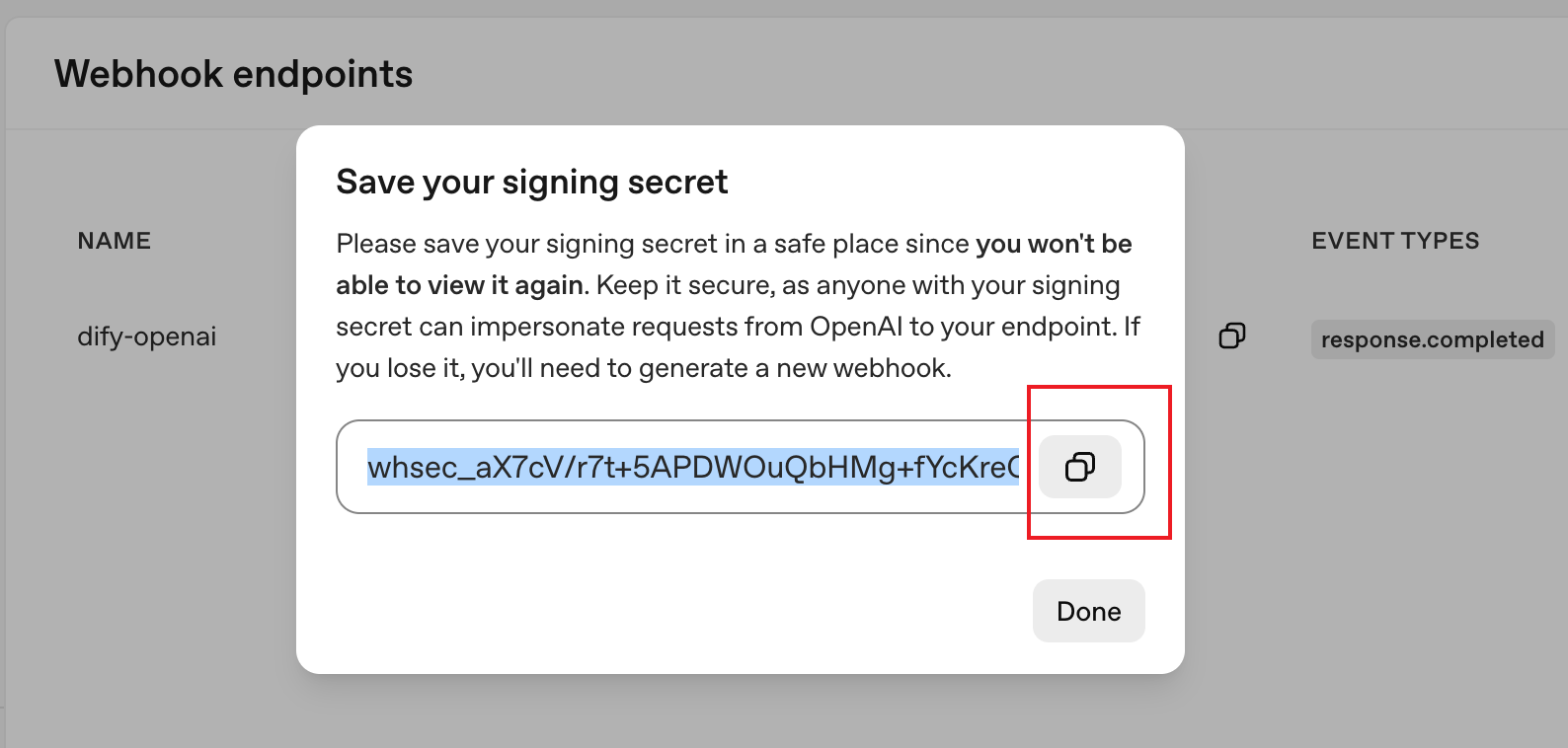
Step 5: Fill the Singing secret

  1. Copy the OpenAI's Signing secret
  2. Fill it in Dify's OpenAI Webhook trigger settings

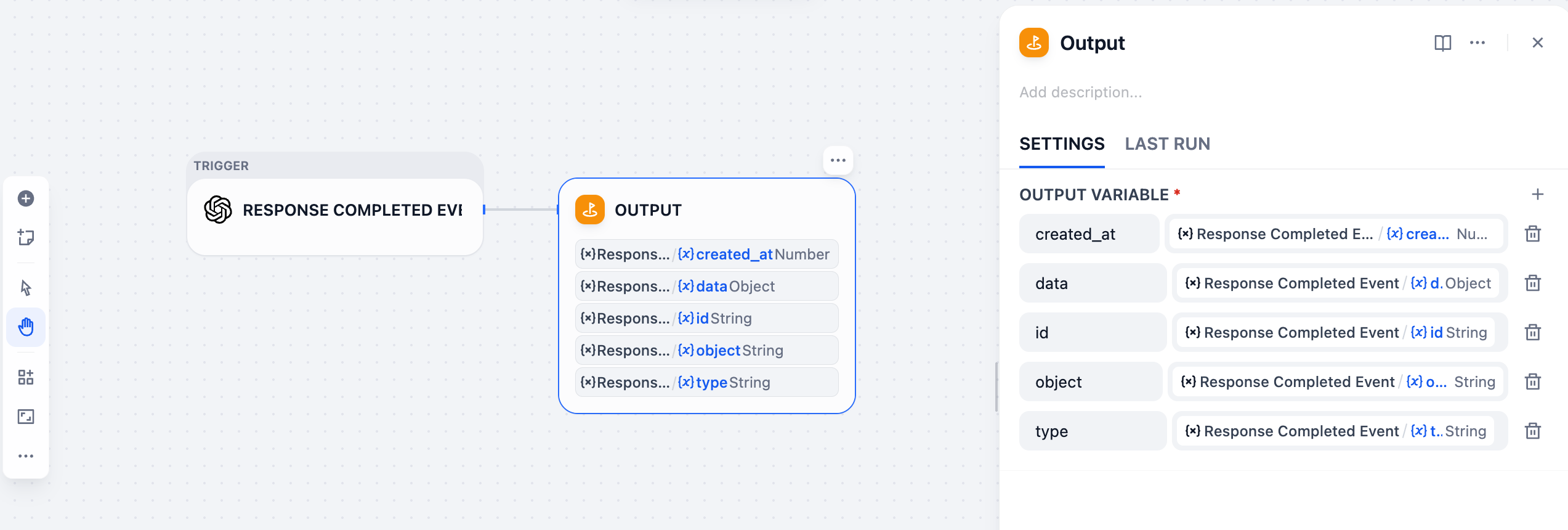
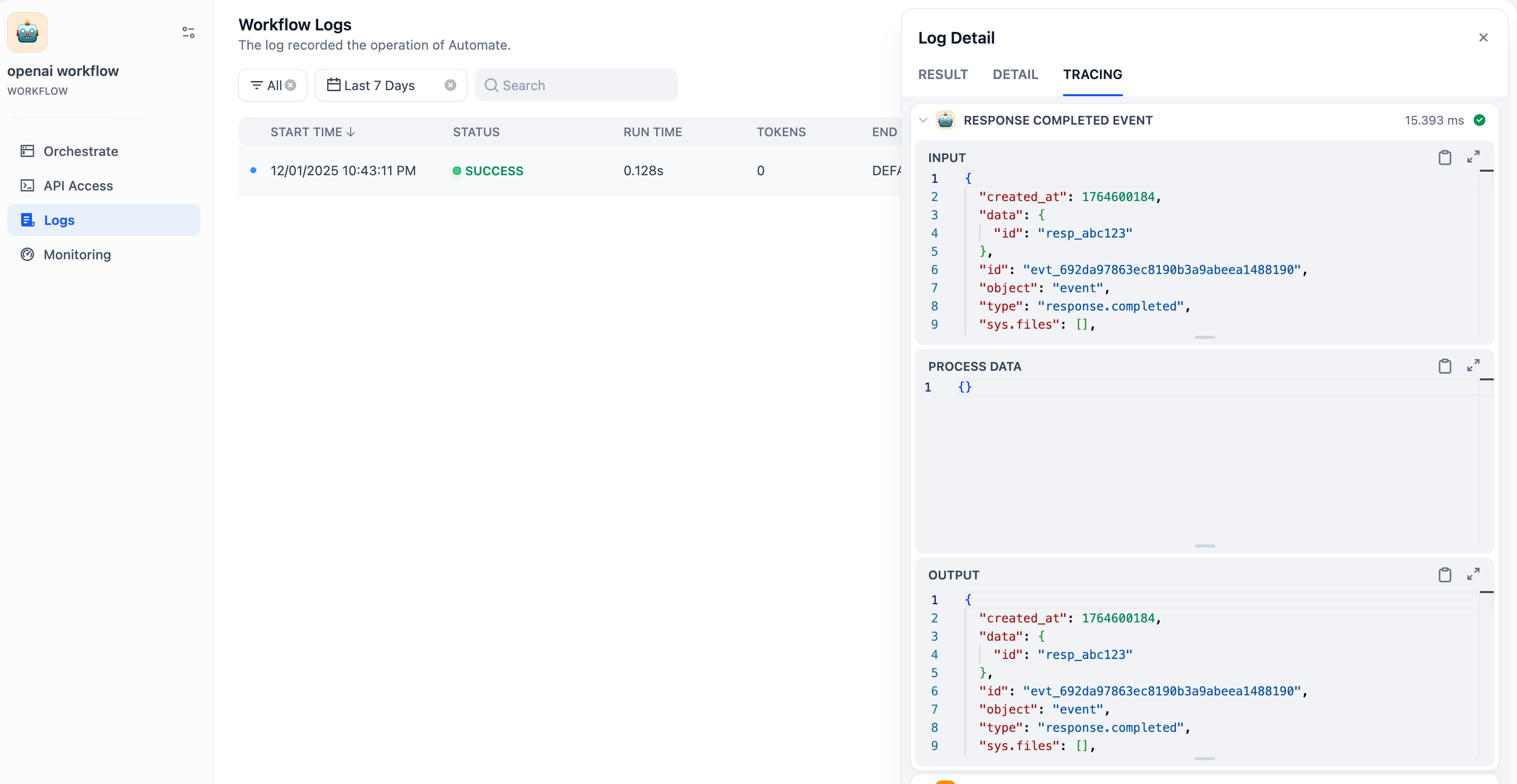
Step 8: Setup Dify workflow

Available Events

OpenAI's webhook events: https://platform.openai.com/docs/api-reference/webhook-events

Response Events

  • response.completed
    • Sent when a background response has been completed.
  • response.cancelled
    • Sent when a background response has been cancelled.
  • response.failed
    • Sent when a background response has failed.
  • response.incomplete
    • Sent when a background response has been interrupted.

Batch Events

  • batch.completed
    • Sent when a batch API request has been completed.
  • batch.cancelled
    • Sent when a batch API request has been cancelled.
  • batch.expired
    • Sent when a background response has failed.
  • batch.failed
    • Sent when a batch API request has failed.

Finetuning Events

  • fine_tuning.job.succeeded
    • Sent when a fine-tuning job has succeeded.
  • fine_tuning.job.failed
    • Sent when a fine-tuning job has failed.
  • fine_tuning.job.cancelled
    • Sent when a fine-tuning job has cancelled.

Eval Events

  • eval.run.succeeded
    • Sent when an eval run has succeeded.
  • eval.run.failed
    • Sent when an eval run has failed.
  • eval.run.canceled
    • Sent when an eval run has been canceled.

Realtime Events

  • realtime.call.incoming
    • Sent when Realtime API Receives a incoming SIP call.