DataEyes Web Reader
Overview
DataEyes Web Reader transforms web pages into LLM-friendly markdown content using advanced computing power and AI technology, provided by DataEyes AI. It intelligently extracts and converts web information, making it easily accessible for AI processing and analysis.
Configuration
1. Apply for a DataEyes API Key
Go to the DataEyes API Keys page to create an account and create your API Key.
2. Get DataEyes from Plugin Marketplace
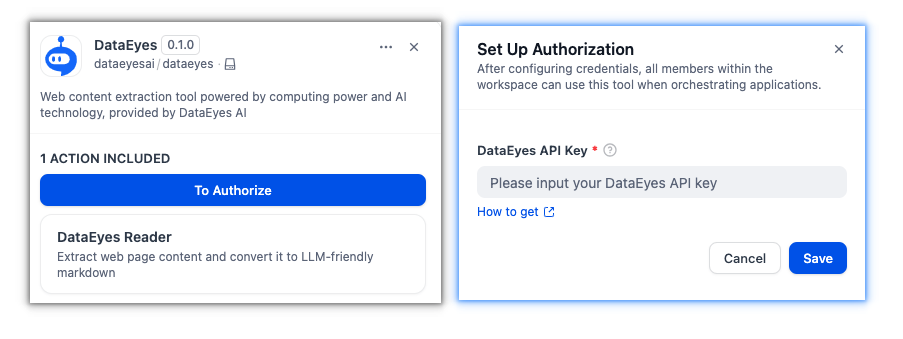
The DataEyes plugin can be found in the Plugin Marketplace. Install it to start using web content extraction in your workflows.
3. Configure the Plugin in Dify
Navigate to Plugins > DataEyes in Dify and input your API Key to authorize the plugin.
Tool Features
Web Content Extraction
Extract clean, readable content from any web page URL. The tool processes web pages and returns structured markdown output optimized for AI models.
Content Processing
- Converts HTML to markdown format
- Removes navigation and sidebar elements
- Preserves main content structure
- Optimized for LLM processing
Semantic Search
Perform semantic search using natural language queries. Retrieve highly relevant web results from the internet.
Usage
DataEyes integrates with both Chatflow / Workflow Apps and Agent Apps.
Chatflow / Workflow Apps
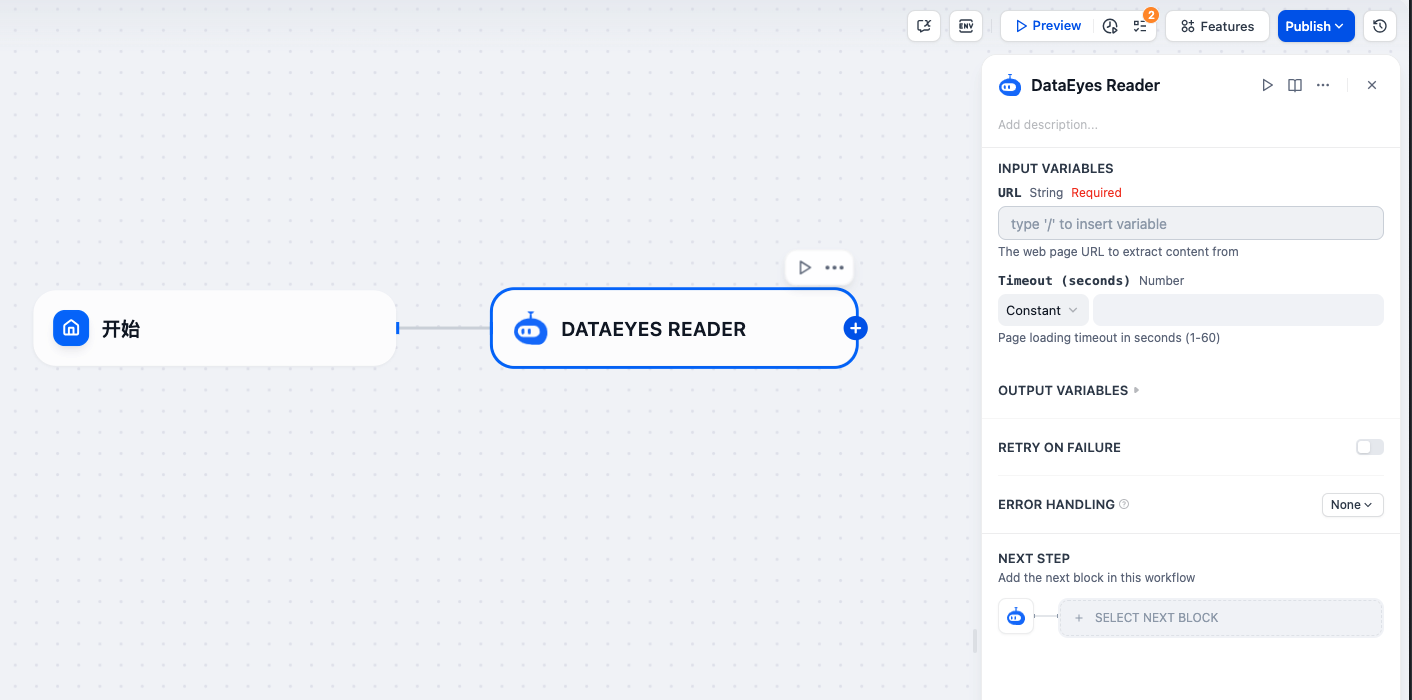
Use DataEyes as a node in your workflow to extract web content for processing.
Agent Apps
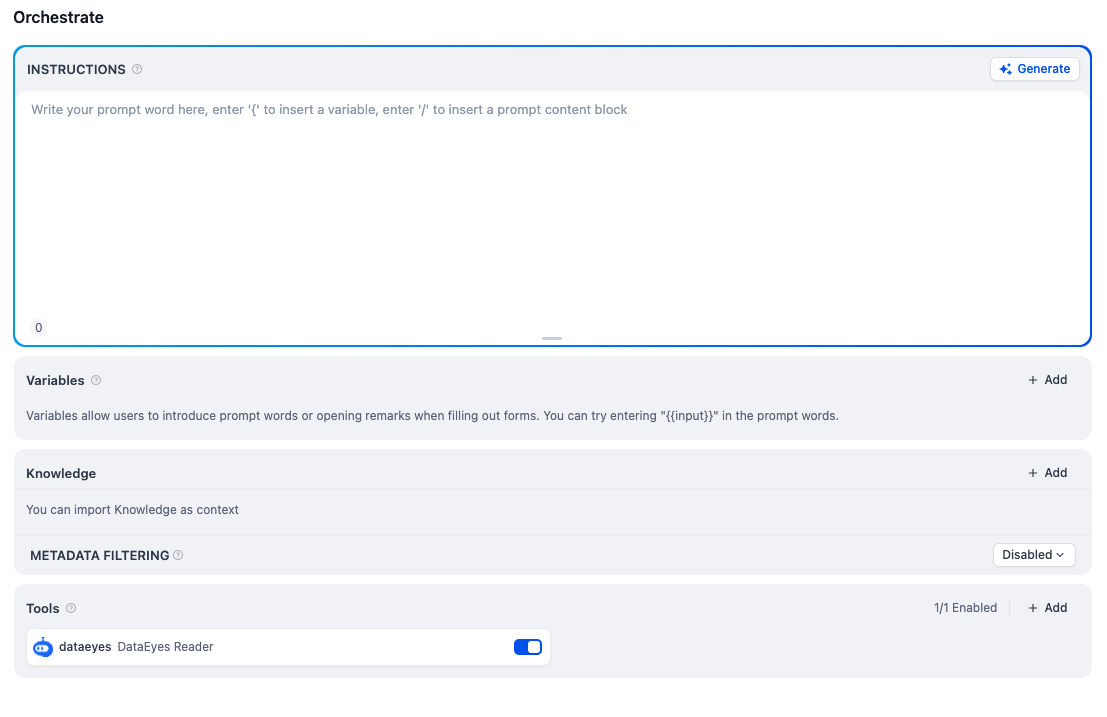
Enable DataEyes as a tool for your AI agent to read and analyze web content automatically.
Input Parameters
- URL: Web page URL to extract content from
Output
- Extracted Content: Clean markdown content from the specified web page
Use Cases
- Extract article content for analysis
- Convert web pages to markdown format
- Process web information in AI workflows
- Read web content for AI applications