Dify 1.0 Plugin DAT Tool
Author: Junjie.M
Type: tool
Github Repo: https://github.com/junjiem/dify-plugin-tools-dat
Github Issues: issues
Dependent Project: DAT
Description
Asking yours data in a natural language way through pre-modeling (data models and semantic models).
通过预建模(数据模型和语义模型)以自然语言的方式询问您的数据。
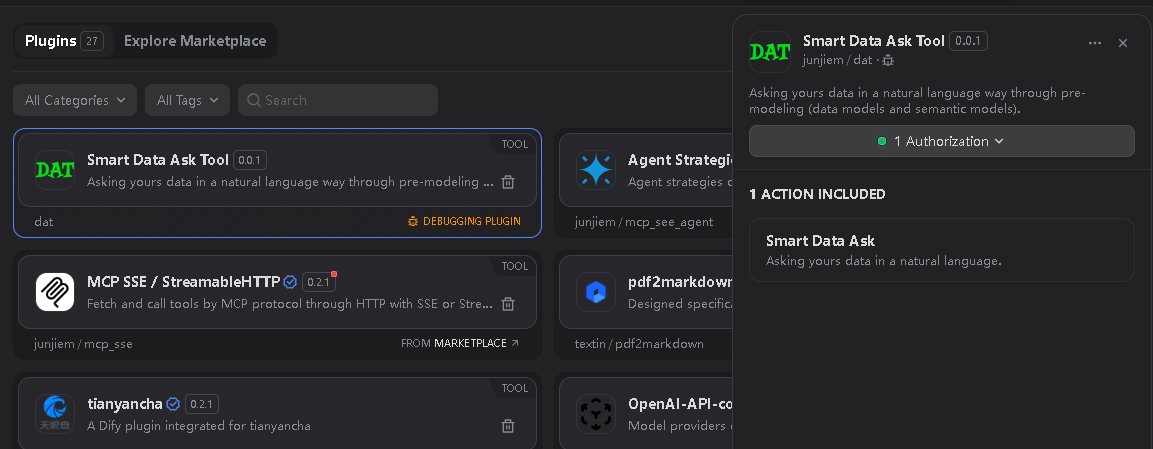
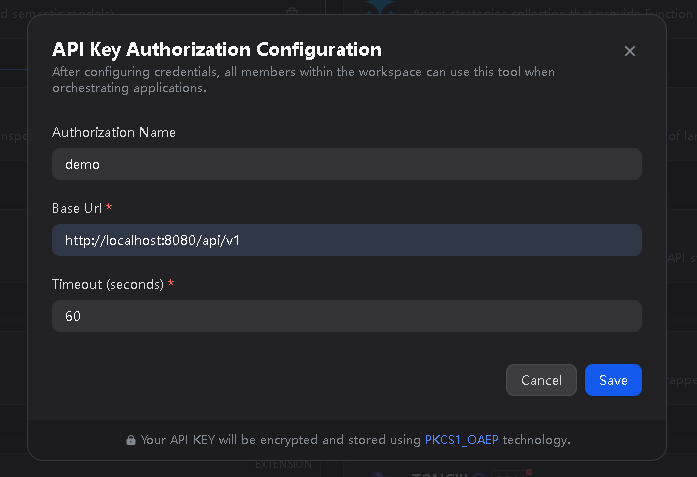
You need to download DAT, and initialize the DAT project and develop it, and then start the DAT OpenAPI Server.
你需要 下载 DAT 后初始化 DAT project 并开发,然后启动 DAT OpenAPI Server。

Output Format
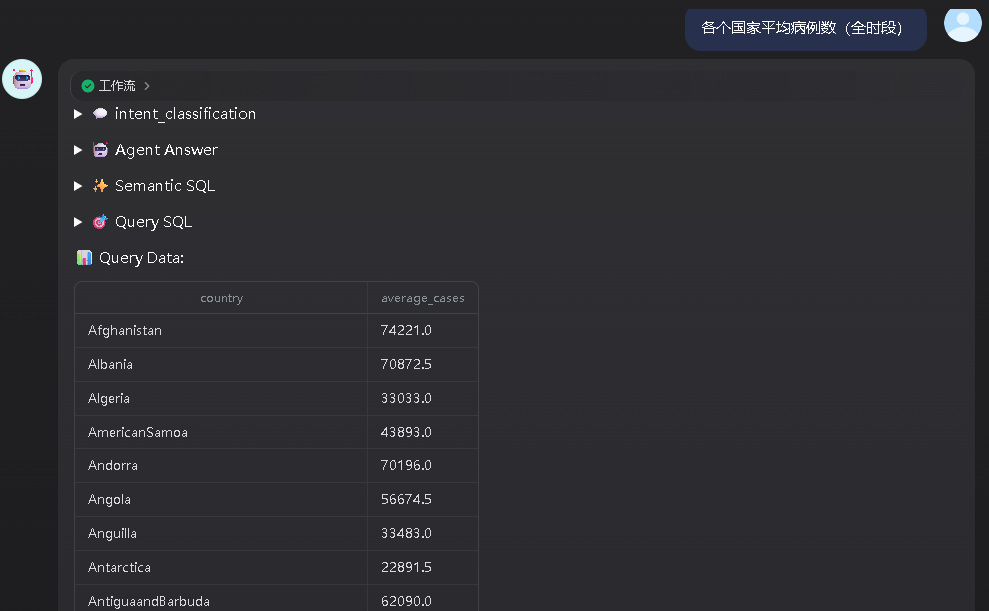
Supports formats: TEXT, JSON
支持格式:TEXT, JSON
Note: TEXT supports streaming output.
注:TEXT 支持流输出。
Output TEXT Format
Output JSON Format
| name | type | description | required |
|---|
semantic_sql | string | Semantic SQL | false |
query_sql | string | Database dialect SQL | false |
query_data | string | Database query result | false |
error | string | Error message | false |
status | string | Final state, 'succeeded' or 'failed' | true |
conversation_id | string | Conversation ID | true |
events | array | The collection of all events | true |
events[].event | string | Event type | true |
events[].data | object | Event data | true |
Example:
{
  "conversation_id": "91fc9f15-25d6-4712-bac6-866e683397ba",
  "events": [
    {
      "event": "intent_classification",
      "data": { ... }
    },
    ...,
    {
      "event": "complete_agent_answer",
      "data": {"answer": "xxxxxxxxxxxxxxxxxxxxxxxxxxxxxxxxxxxxxxxxx"}
    },
    {
      "event": "tool_execution",
      "data": { ... }
    },
    ...
  ],
  "semantic_sql": "SELECT * FROM orders WHERE ...",
  "query_sql": "SELECT * FROM orders LIMIT 10",
  "query_data": [{ }, ...],
  "error": "",
  "status": "succeeded"
}
FAQ
1. How to Handle Errors When Installing Plugins? 安装插件时遇到异常应如何处理?
Issue: If you encounter the error message: plugin verification has been enabled, and the plugin you want to install has a bad signature, how to handle the issue?
Solution: Add the following line to the end of your .env configuration file: FORCE_VERIFYING_SIGNATURE=false
Once this field is added, the Dify platform will allow the installation of all plugins that are not listed (and thus not verified) in the Dify Marketplace.
问题描述:安装插件时遇到异常信息:plugin verification has been enabled, and the plugin you want to install has a bad signature,应该如何处理?
解决办法:在 .env 配置文件的末尾添加 FORCE_VERIFYING_SIGNATURE=false 字段即可解决该问题。
添加该字段后,Dify 平台将允许安装所有未在 Dify Marketplace 上架(审核)的插件,可能存在安全隐患。
2. How to install the offline version 如何安装离线版本
Scripting tool for downloading Dify plugin package from Dify Marketplace and Github and repackaging [true] offline package (contains dependencies, no need to be connected to the Internet).
从Dify市场和Github下载Dify插件包并重新打【真】离线包(包含依赖,不需要再联网)的脚本工具。
Github Repo: https://github.com/junjiem/dify-plugin-repackaging