LangBot Trigger · emploidai Marketplace
emploidai Marketplace
Add-onsAppletsPlugins
Search tools, teams, and capabilitiesPublish
MarketplacePluginsLangBot Trigger
Plugin
Limited listing

LangBot Trigger

by rockchinq · v0.1.4

Open-source platform for receiving message from IMs like Telegram, Discord, Slack, LINE, Lark, QQ, WeChat, DingTalk e.g.

11k installsUpdated Jan 1, 2026
Documentation
Publisher information is incomplete

This community listing does not yet include every recommended support, privacy, pricing, and permission disclosure. Review the available package permissions before installing.

Capabilities

Data sources

Available inside your emploidai workspace after installation.

Triggers

Available inside your emploidai workspace after installation.
Category

trigger

Version

0.1.4rockchinq

Requirements

Maximum memory 256MB

Pricing

Not disclosed by publisher

Security & access

Review before installing

CompatibleRequires emploidai 1.10.0+

Permissions

  • Uses app capability
  • Uses storage capability
  • Uses tool capability

Dependencies

No additional dependencies

Resources

DocumentationPrivacy policy
emploidai Marketplace

Discover capabilities. Review access. Install inside your workspace.

DocumentationSecuritySupportPrivacyTerms

langbot_trigger

LangBot is an open-source LLM native instant messaging robot development platform, aiming to provide out-of-the-box IM robot development experience, with Agent, RAG, MCP and other LLM application functions, adapting to global instant messaging platforms, and providing rich API interfaces, supporting custom development.

This trigger plugin is used to process message events from LangBot Webhook. It can be used to trigger Dify workflows when a message is received from a LangBot instance.

Usage

  1. Install this plugin in Dify.
  2. Setup LangBot instance according to the LangBot documentation.
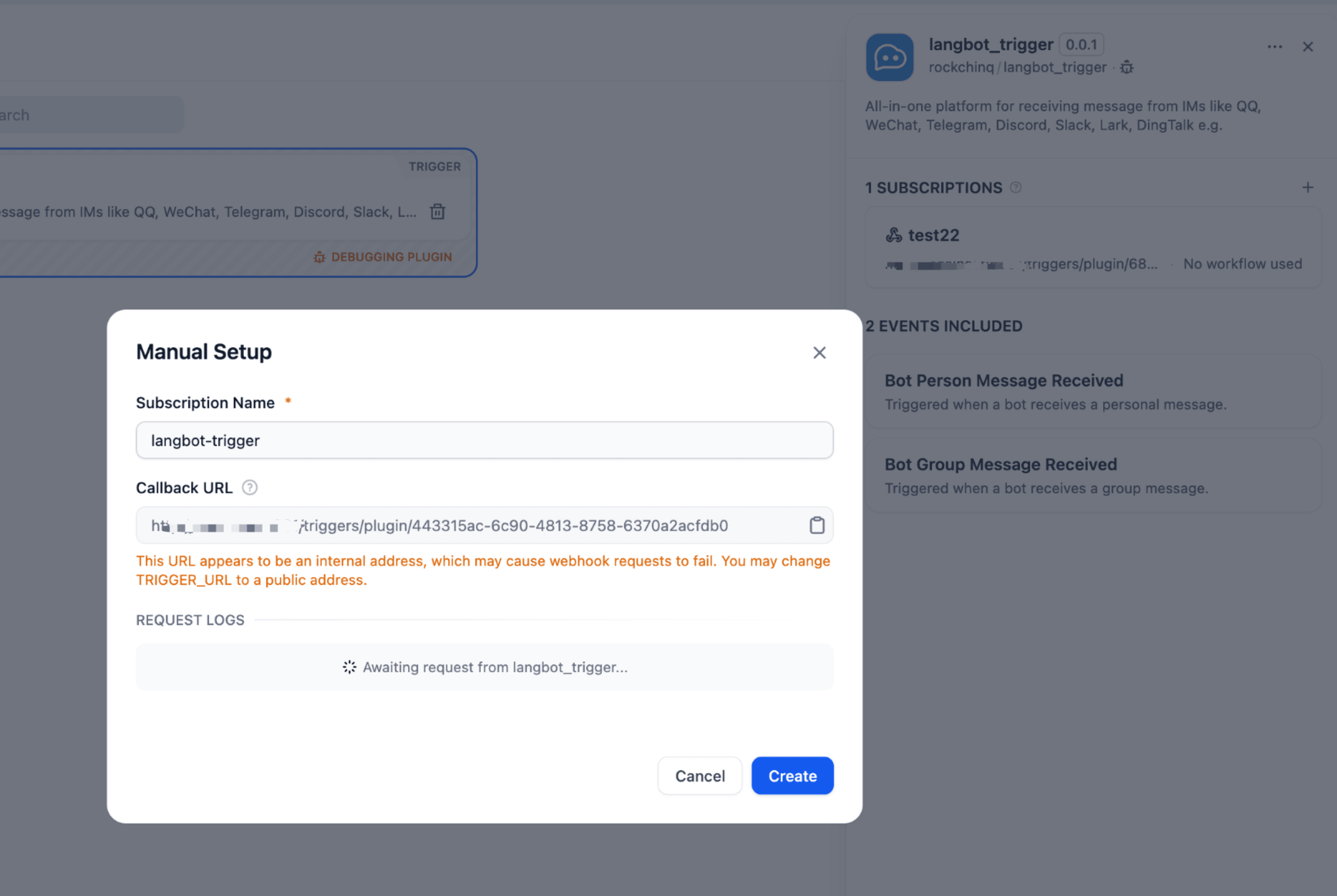
  3. Open subscription page in Dify, copy the Webhook URL.

Subscription Page

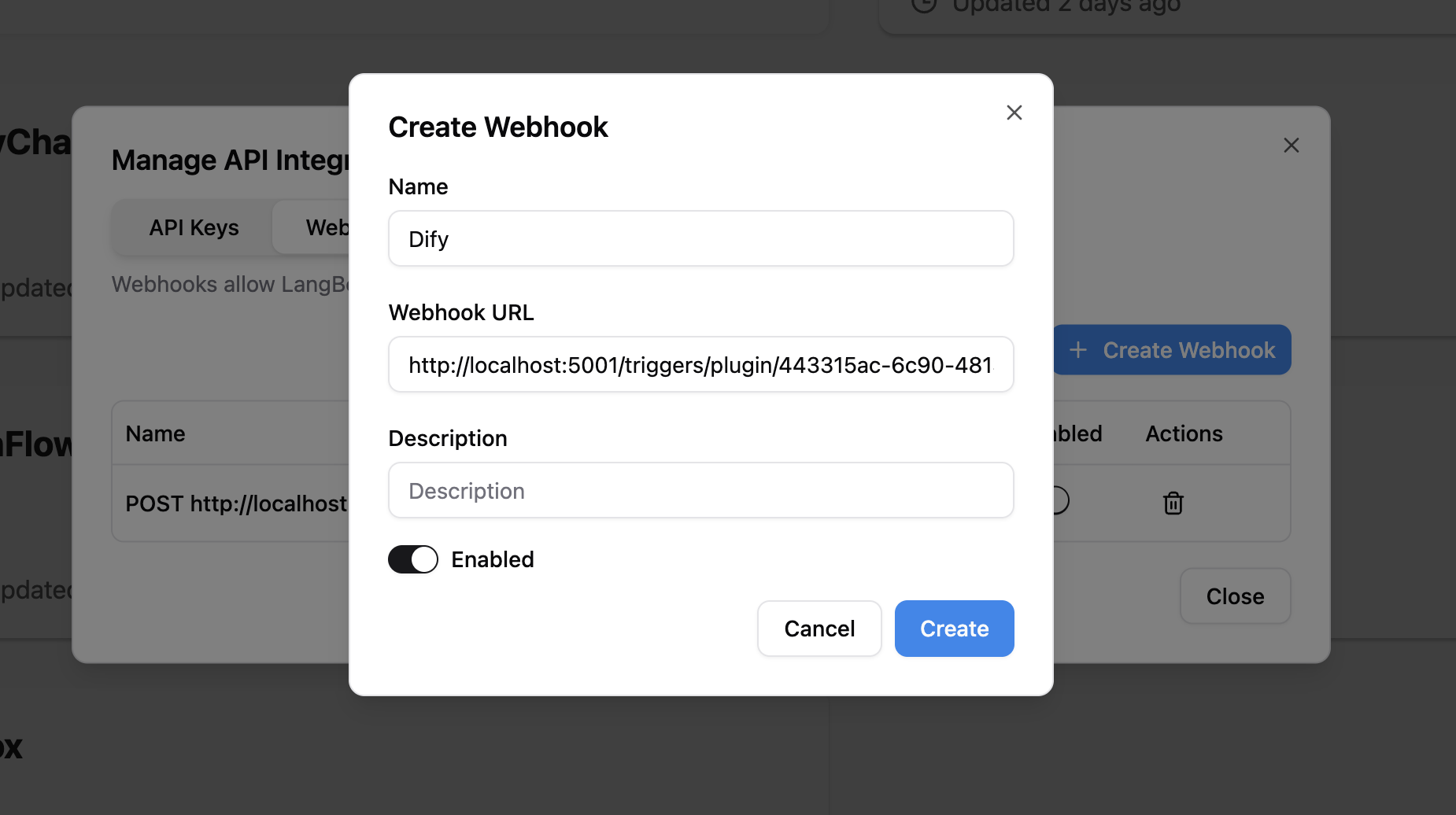
  1. Go back to LangBot API integration page, fill in the Webhook URL and save the configuration.

API Integration Page

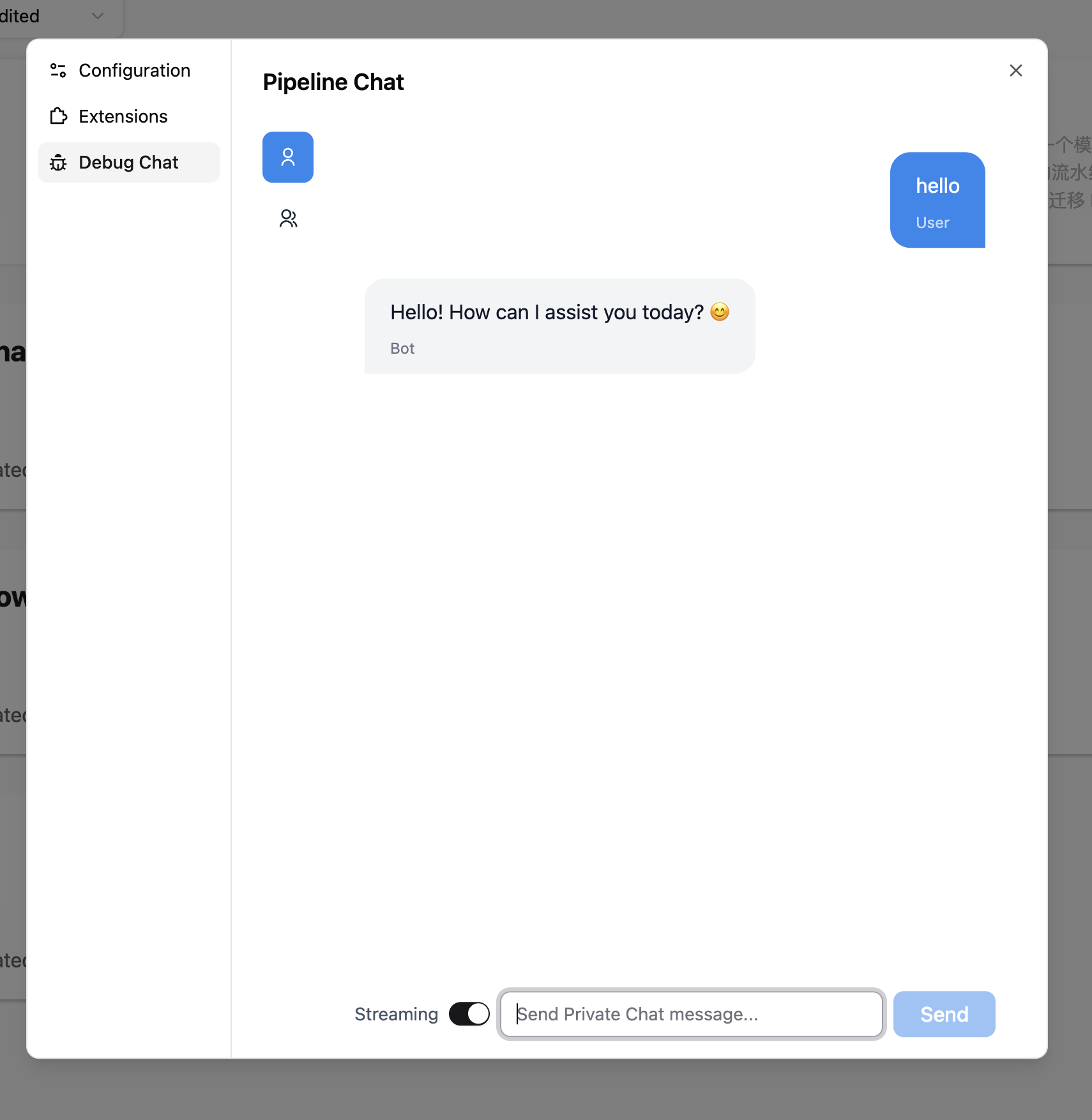
  1. Receive messages from configured bots, or test it in LangBot pipeline debug page.

If you want to receive messages from other platforms(e.g. Telegram, Discord, Slack, LINE, Lark, DingTalk), you should configure your bots according to the LangBot documentation.

Pipeline Debug Page

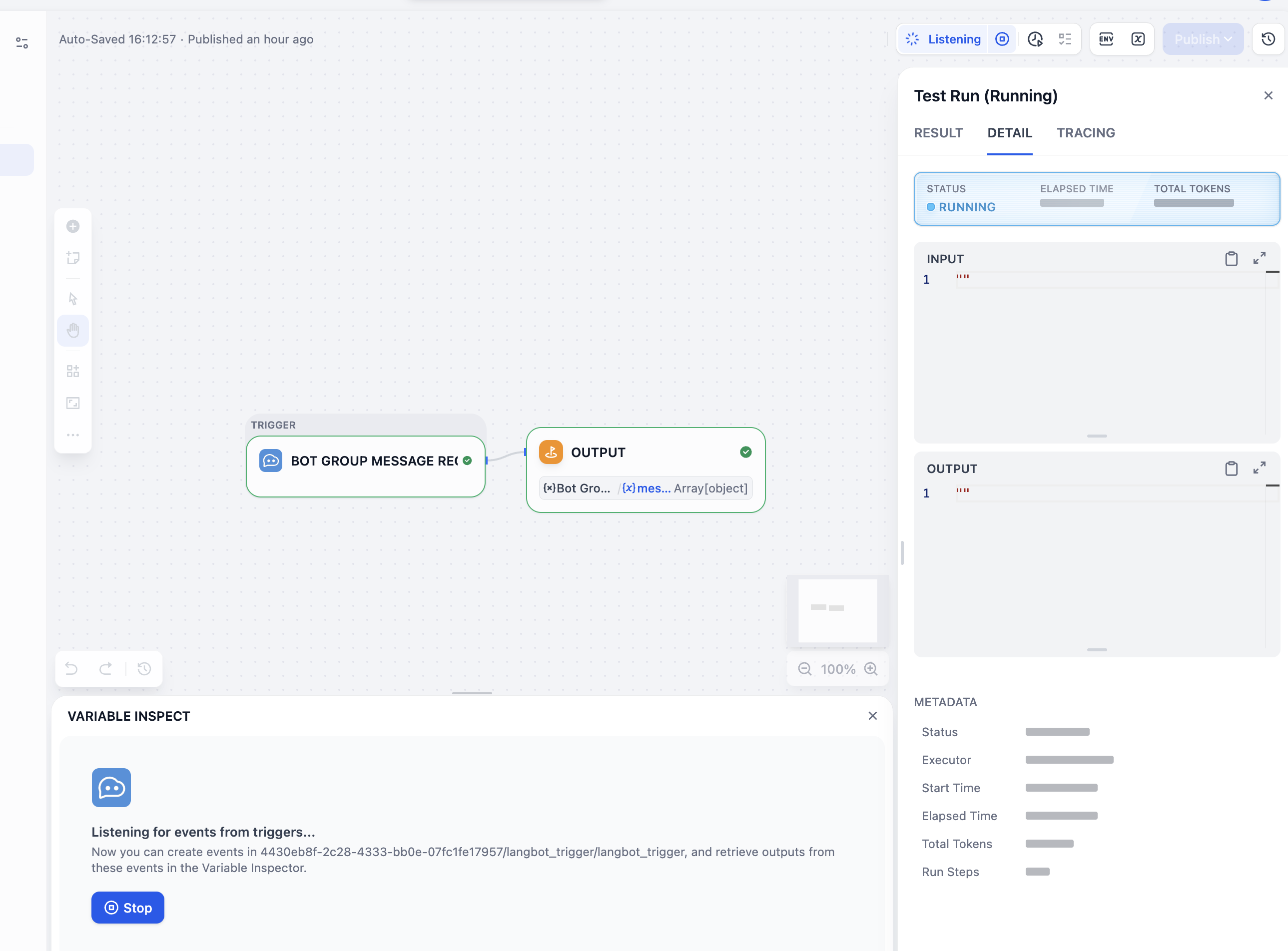
  1. You can now use this plugin to trigger Dify workflows when a message is received from a LangBot instance.

Workflow Page