Ollama Manage · emploidai Marketplace
emploidai Marketplace
Add-onsAppletsPlugins
Search tools, teams, and capabilitiesPublish
MarketplacePluginsOllama Manage
Plugin
Limited listing

Ollama Manage

by yt-koike · v0.0.1

Managing tools for Ollama servers

1.9k installsUpdated Oct 28, 2025
Documentation
Publisher information is incomplete

This community listing does not yet include every recommended support, privacy, pricing, and permission disclosure. Review the available package permissions before installing.

Capabilities

Tools

Available inside your emploidai workspace after installation.

Data sources

Available inside your emploidai workspace after installation.
Category

tool

Version

0.0.1yt-koike

Requirements

Maximum memory 256MB

Pricing

Not disclosed by publisher

Security & access

Review before installing

CompatibleRequires emploidai 1.9.0+

Permissions

  • Uses tool capability
  • Requires encrypted tool credentials

Dependencies

No additional dependencies

Resources

DocumentationPrivacy policy
emploidai Marketplace

Discover capabilities. Review access. Install inside your workspace.

DocumentationSecuritySupportPrivacyTerms

dify-ollama-manage

Author: yt-koike Version: 0.0.1 Type: tool

Description

Ollama Manage is an unofficial Ollama plugin for Dify and is basically Ollama REST API turned into Dify nodes. This plugin offers you some features mainly to pull, delete models and other functions for managing Ollama models.

This plugin is named Ollama Manage to distinguish from the Ollama plugin.

Nodes

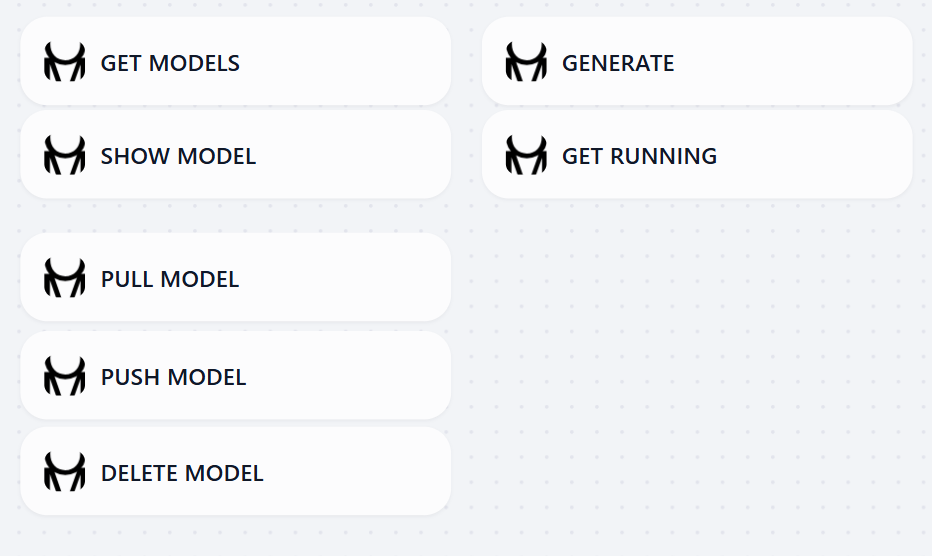
Ollama Manage has the following nodes.

nodes

  • Get Models: Gets the list of available local models
  • Show Model: Shows the details of the specified model
  • Pull Model: Downloads the model
  • Push Model: Uploads the model
  • Delete Model: Deletes the specified model
  • Generate: Completes the prompt
  • Get Running: Gets the running processes

Example Usage

example

The image above show an example workflow to use this Ollama Manage plugin. You can pull(download) a model with the Pull Model node and use it with the Generate node. Optionally, you can delete the model you downloaded to save disk space.

Even though the Generate node can generate a response to a given prompt, it is highly recommended to use the default LLM node which has more parameters you can edit.

Required APIs and Credentials

This plugin does not require any API Keys as Ollama servers generally does not need them.

Connection requirements

This plugin needs an HTTP access to a Ollama server.

Reference

  • Repository: https://github.com/yt-koike/dify-ollama-manage
  • About Ollama API: https://docs.ollama.com/api
  • Logo: Made on https://text-to-svg.com/
